


The internet is a hostile environment, and your web hosting servers face innumerable threats from bad actors who want to steal data and exploit server resources. CentOS is a stable and secure foundation, but it is not invulnerable. Configuration mistakes, software vulnerabilities, and poor Linux security practices can open the door to bad actors and malicious bots.
cPanel & WHM includes many Linux security tools that help server administrators to build a secure hosting environment. In this article, we’re going to look at four techniques that leverage cPanel and WHM to enhance Linux server security.
Changing the SSH port to confuse bad bots.
Implementing SSH keys to avoid security vulnerabilities caused by weak passwords.
Automatically blocking brute-force attacks with cPHulk.
Leveraging cPanel Security Advisor to mitigate common Linux security problems.
How To Change the SSH Port in cPanel
SSH (Secure Shell) is an encrypted network protocol that keeps authentication credentials and data safe when you connect to your server’s shell. The server runs an SSH service, and a client on your local device connects to it. Communication between them is encrypted so eavesdroppers can’t see sensitive data traveling over the network.
The SSH service traditionally listens for connections on port 22, so bots target that port with brute-force attacks that attempt to guess a valid username and password. Even if users choose long and hard-to-guess passwords—which is not always the case—brute-force attacks can generate a vast number of failed login attempts that waste server resources.
How To Use SSH Keys with the Root Account
Changing the SSH port reduces brute-force log-in attempts, but it won’t stop a motivated attacker. Another way to improve SSH security avoids passwords in favor of SSH keys. SSH keys are more secure and, if password logins are disabled, they make successful brute-force attacks impossible.
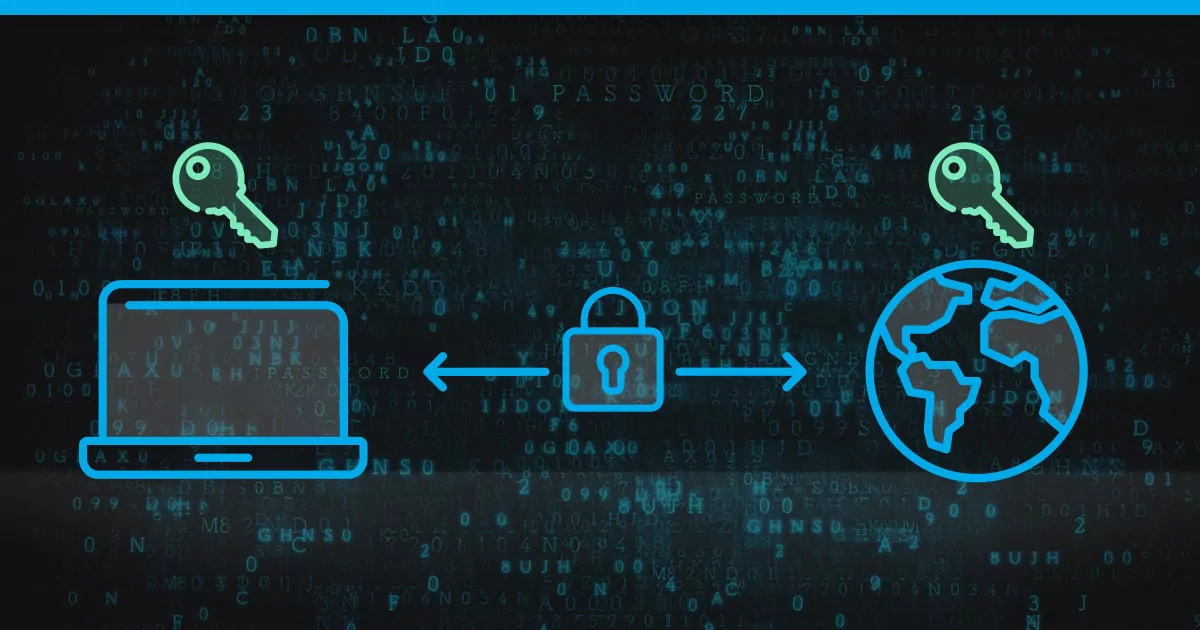
SSH keys have a public and a private component. The public key is stored on the server, and the private key is stored on the client machine. Only users with the private key can log in to the relevant account. We’ll focus on securing the root account with SSH keys, but site administrators and resellers can use a similar approach in cPanel.
First, we’ll generate new SSH keys for root in WHM. Log in to WHM and navigate to Manage Root’s SSH Keys.
Click Generate New Key.
Complete the form with a strong password. In most cases, the default settings are fine.
Click Generate key









Leave a Reply